Writing an Infrastructure Modernisation Strategy That Survives a Budget Conversation
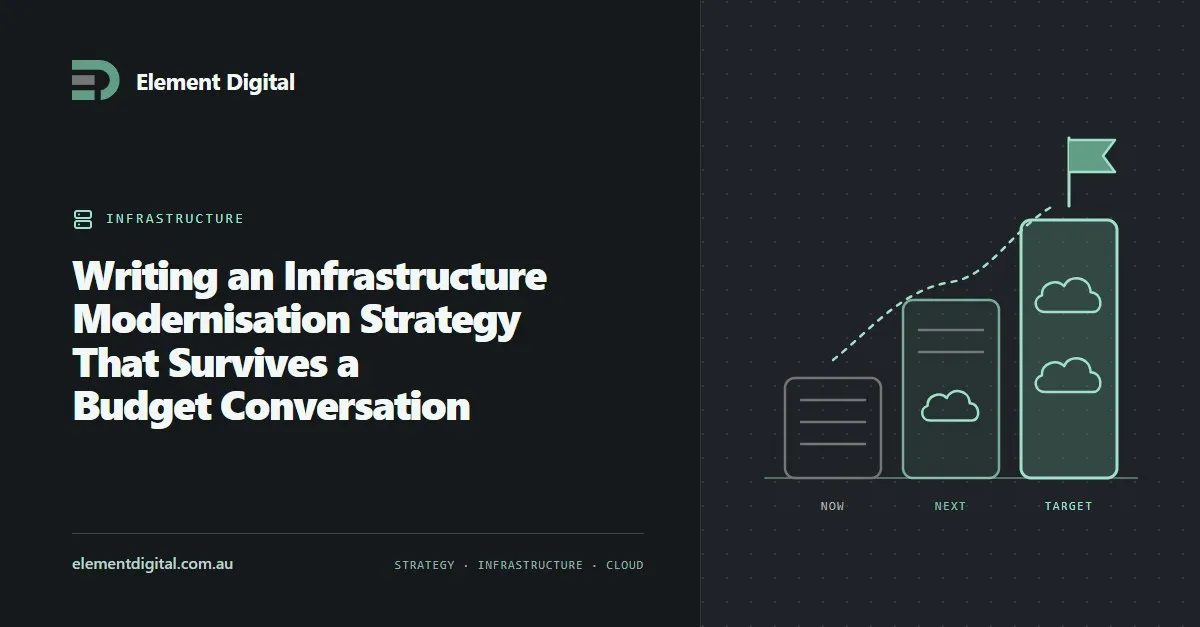
Most modernisation strategies fail at the funding stage because they read as a technology wish list. What to put in one so it reads as a business case.
Windows 10 lost support in October 2025. If you are still running it, here is how to work out what upgrades, what gets replaced, and what ESU actually buys you.
Windows 10 stopped receiving security updates on 14 October 2025. Any machine still running it is unpatched, unless you are paying for Extended Security Updates.
We first wrote this when the migration was a planning exercise. It is not one any more, so here is what to do from where you are now.
Before anything else, get a list. Every Windows device, which version it runs, and whether it meets the Windows 11 requirements.
Microsoft Intune will produce that in minutes if your devices are enrolled. If they are not, a network scan or an asset tool will do the job, and walking around with a clipboard is fine up to about 30 machines.
You are sorting devices into three piles. Ones already on Windows 11, which need nothing beyond normal patching. Ones on Windows 10 that can upgrade, which need scheduling. And ones on Windows 10 that cannot, which need replacing.
That last pile is a budget conversation rather than an IT one, which is exactly why you want the count early.
The usual blocker is TPM 2.0. It is a small security chip, and Windows 11 will not install without one.
Secure Boot and a 64-bit processor from Microsoft’s supported list are the other two hurdles. In practice, anything bought before roughly 2018 fails at least one of them.
Check the firmware before you write a device off, though. Plenty of machines have a TPM that is present but switched off, and we have seen fleets where a quarter of the supposedly incompatible devices only needed a BIOS setting changed.
If you are paying for ESU, it is worth knowing what you bought.
Business ESU runs for up to three years from October 2025. It is priced per device per year and the price doubles annually, which is deliberate. Microsoft wants the second year to hurt.
You get security patches and nothing else. No feature updates, and software vendors start dropping support for Windows 10 on their own schedule regardless of what Microsoft does.
Use it as room to finish a migration you have already started. As a way to avoid deciding, it gets expensive fast.
An unsupported operating system fails most things you are likely to be measured against.
The Essential Eight expects operating systems to be patched and still vendor supported. Cyber insurance questionnaires ask about it. Government and larger commercial buyers ask during procurement.
If you hold a contract with a security schedule attached, go and read it. Running unsupported Windows may already put you in breach.
There are three approaches and most businesses use a mix of all three.
An in-place upgrade suits hardware that already meets the requirements. It keeps the user’s data and applications, it is the cheapest option, and it usually just works.
New hardware is the answer for machines that cannot upgrade. If your refresh cycle was due anyway, this is the moment to bring it forward.
A rebuild suits machines that can upgrade but are in poor shape. You get a clean device, and you pay for it in data migration.
Test your line of business applications before any of this. That is where migrations come unstuck, not at the operating system.
If you are touching every device anyway, this is the cheapest chance you will get to move off on-premises management.
Microsoft Intune handles Windows, macOS, iOS and Android from one console, with no server to maintain. It also feeds Defender and Conditional Access, which is where most of the security value sits.
If Configuration Manager is still doing something you need, co-management lets you run both while you move across.
Start with the count. It takes an afternoon and you cannot plan or budget without it.
Then upgrade the machines that can be upgraded, because they cost nothing and they shrink the problem. What is left is a hardware purchase with a real number on it, which is a far easier conversation to have with whoever signs the cheque.
Element Digital offers IT consulting services in Hobart. If you need a hand assessing a fleet or planning the rollout, get in touch.
Most modernisation strategies fail at the funding stage because they read as a technology wish list. What to put in one so it reads as a business case.
Wi-Fi planned on paper works on paper. What a site survey measures, why industrial sites break the predictions, and when you actually need one.
Estimating is really risk assessment. Why almost everyone underestimates, why new clients are harder to price, and why no solution is ever perfect.
Let us talk about what you are trying to achieve, no obligation, just a conversation.