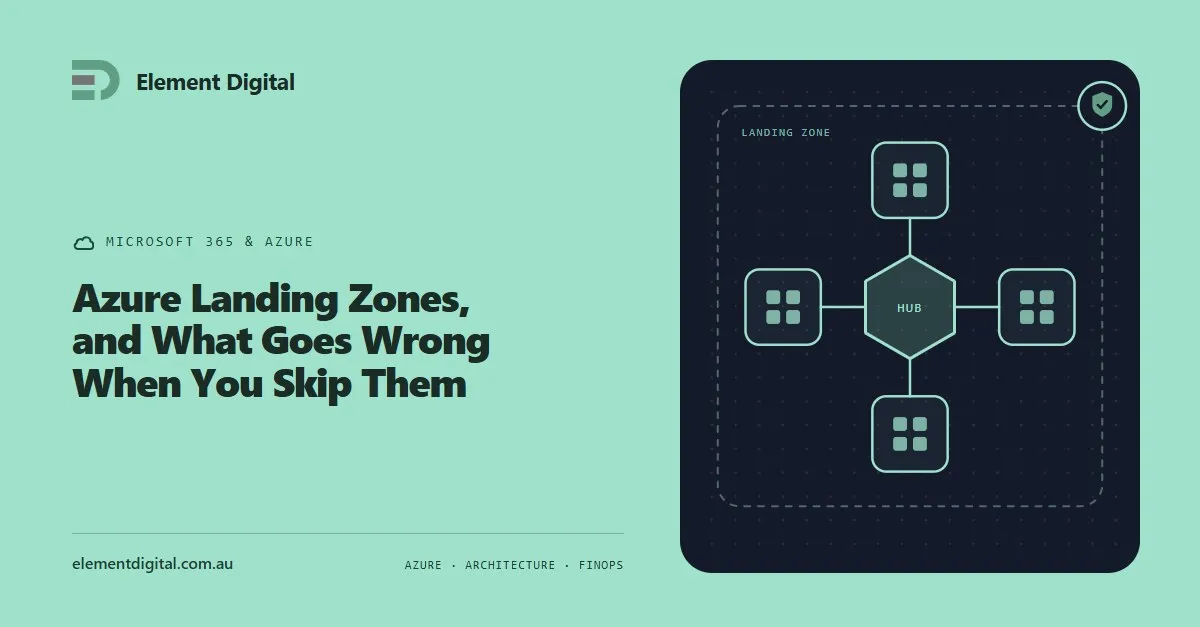
Azure Landing Zones, and What Goes Wrong When You Skip Them
Most Azure estates were not designed, they accumulated. What a landing zone actually is, what an unplanned estate costs you, and how to fix one in place.
Copilot does not create an oversharing problem. It makes the one you already have searchable. What to fix before you buy the licences.
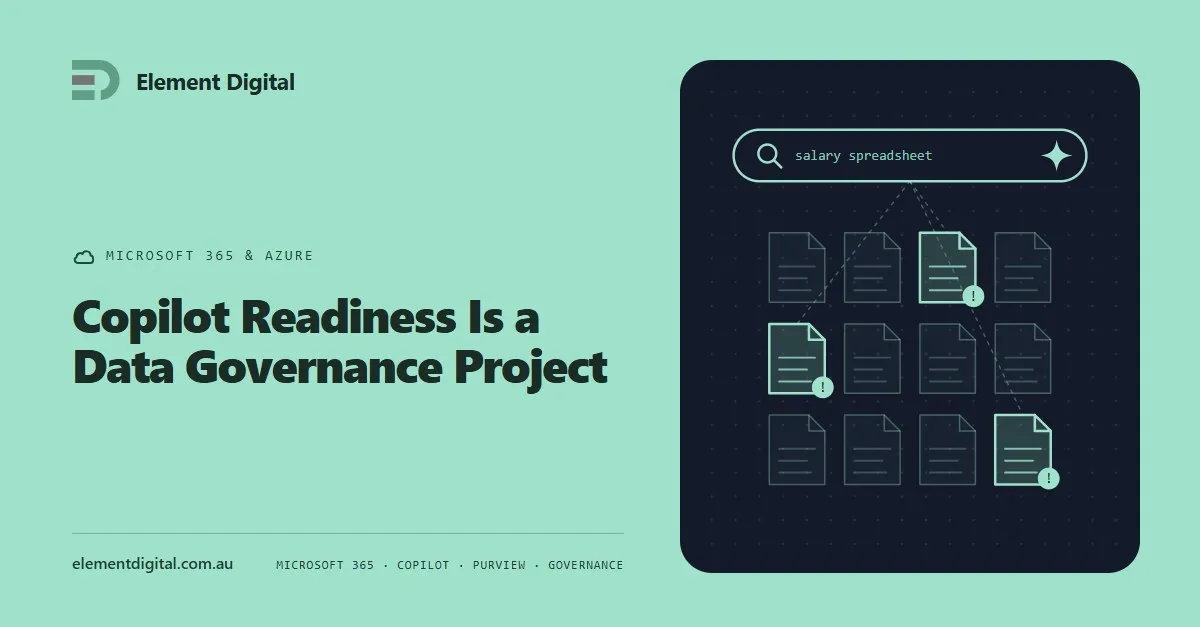
Copilot does not create an oversharing problem. It surfaces the one you already have.
That is the single most useful sentence we can offer anyone thinking about rolling it out. Everything else in this post follows from it.
Most Microsoft 365 tenants have files in places they should not be. A salary spreadsheet in a team site. A board pack in a SharePoint library with broken inheritance. A folder somebody shared with Everyone in 2021 to solve a problem that afternoon.
Today those are invisible. Finding them requires knowing they exist and knowing where to look, and nobody does either.
Copilot searches everything the signed-in user has permission to read, then answers in plain language. It does not bypass permissions. It just makes permissions matter, because it removes the obscurity that was doing the work.
The classic first week of a Copilot rollout is somebody asking an innocent question about a project and getting an answer containing a colleague’s remuneration.
Start by finding out what is actually shared.
Microsoft provides reporting for this. You want sites with broken permission inheritance, anything shared with Everyone or Everyone Except External Users, anonymous sharing links that never expire, and guest accounts that still have access to things.
Anonymous links are the one that catches people. A link created to send a file to a supplier three years ago is still live, still works, and is still discoverable.
Fix the defaults while you are there. Set new sharing links to specific people rather than anyone with the link. Set them to view rather than edit. Put an expiry on anonymous links. None of these breaks collaboration, and together they stop the problem growing while you clean up.
Sensitivity labels in Microsoft Purview are how you mark content that needs handling differently, and Copilot respects them.
A label can encrypt a document, restrict who opens it, and stop it being forwarded. Labelled content behaves correctly in Copilot results because the underlying protection travels with the file.
Be realistic about the rollout. A four-tier scheme nobody understands gets ignored, and every document ends up labelled Internal because that is the safe default. Start with two or three labels with obvious names, auto-apply where you can, and expand once people have got used to it.
Copilot is a per-user add-on on top of an existing Microsoft 365 licence. Some of the governance capabilities you will want to use sit in higher tiers than the one you are on.
That matters because the readiness work and the licensing uplift are often the same conversation, and finding out halfway through is how a business case gets reopened. Price the whole thing, not just the Copilot seats.
Ten to 20 people, chosen because they want it rather than because of their job title, across more than one department.
Watch for two things. What they actually use it for, which is never what the vendor deck predicted. And what turns up that should not have, which is your permissions audit continuing under real conditions.
Give the pilot a month before you decide anything. The first week is novelty. The second and third weeks tell you whether it has stuck.
Audit sharing. Fix the defaults. Remediate the worst sites. Label what is sensitive. Confirm licensing. Pilot. Then roll out.
Skipping to the last step is common, and it is how a productivity project becomes an incident. The governance work is worth doing whether or not you ever buy Copilot, which makes it an easy thing to justify on its own.
Element Digital does Microsoft 365 and Azure work in Hobart and across Tasmania. If you are looking at Copilot, get in touch.
Most Azure estates were not designed, they accumulated. What a landing zone actually is, what an unplanned estate costs you, and how to fix one in place.
Microsoft keeps your service running. It does not keep a copy of your data for you. Where the retention ends, and how people find out the hard way.
Microsoft’s answer to replacing the VPN, split across two products. What the client does, where it beats a VPN, and the licensing assumption that breaks business cases.
Let us talk about what you are trying to achieve, no obligation, just a conversation.