Copilot Readiness Is a Data Governance Project
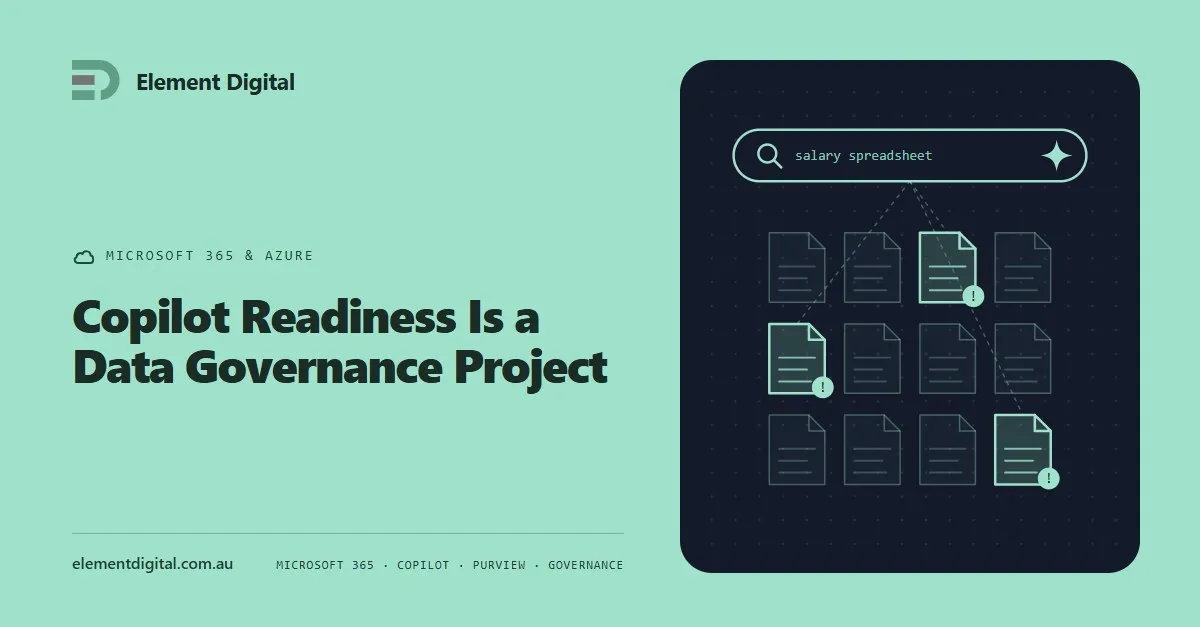
Copilot does not create an oversharing problem. It makes the one you already have searchable. What to fix before you buy the licences.
Microsoft keeps your service running. It does not keep a copy of your data for you. Where the retention ends, and how people find out the hard way.
Microsoft keeps the service running. It does not keep a backup of your data for you.
Those two things get confused constantly, and the confusion usually surfaces on the day somebody needs a file back.
Microsoft is responsible for the platform. Uptime, the hardware, the software, replication between their own data centres.
You are responsible for your data. What gets created, who can reach it, and whether a copy exists after somebody deletes it.
That line is written down in Microsoft’s own agreement. It just is not written in a place anyone reads before they need it.
Microsoft 365 has real recovery features and they are useful. They are also finite.
Deleted mail sits in Deleted Items, then in Recoverable Items, then it is gone. SharePoint and OneDrive keep two recycle bins, and after that the content is gone. A deleted user’s OneDrive is kept for a set period after the licence is removed, then it is gone.
Every one of those is a window measured in days or weeks. None is an archive.
Retention policies extend those windows and are worth configuring. They still are not a backup, because a retention policy is part of the same tenant as the thing it protects.
Accidental deletion is the common one and the least interesting. Somebody clears out a SharePoint library they thought was dead.
Malicious deletion is the one that hurts. A departing employee tidies up on their way out, and nobody notices for a month.
Ransomware reaches cloud storage through a synced OneDrive folder. The encryption syncs up as a legitimate change made by an authenticated user.
Then there is the slow one. A misconfigured retention policy quietly deletes on a schedule, doing exactly what it was told, and the first sign is a gap somebody notices in an audit.
In three of those four cases, the recycle bin window has passed by the time anyone looks.
An independent copy, held outside the tenant, under different credentials, with a retention period you choose.
That last point matters more than it sounds. If your backup lives in the same tenant, behind the same Global Administrator account, then whatever compromises the tenant compromises the backup. That is not a backup. It is a second copy in the same building.
Look for point-in-time restore, the ability to restore a single item rather than everything, and coverage across Exchange, SharePoint, OneDrive and Teams. Teams is the one products quietly skip, because Teams data is scattered across several services underneath.
Ask two questions.
How far back would you need to go? If the answer is longer than a few weeks, native retention does not reach.
What happens if a year of one team’s files disappears? If the answer is a bad afternoon, you may be fine. If it is a regulatory problem or a contract dispute, you are not.
Regulated businesses and anyone under a records retention obligation generally have the answer already. Everyone else should make it a deliberate decision rather than an assumption.
Whatever you buy, restore something from it before you need to.
A backup nobody has restored from is a theory. We have seen products that back up faithfully for a year and then turn out to have been skipping a site collection the whole time.
Put a restore test in the calendar twice a year. It takes an hour and it is the only thing that turns the licence into actual protection.
Element Digital does Microsoft 365 and Azure work in Hobart and across Tasmania. If you want a hand working out what your tenant would survive, get in touch.
Copilot does not create an oversharing problem. It makes the one you already have searchable. What to fix before you buy the licences.
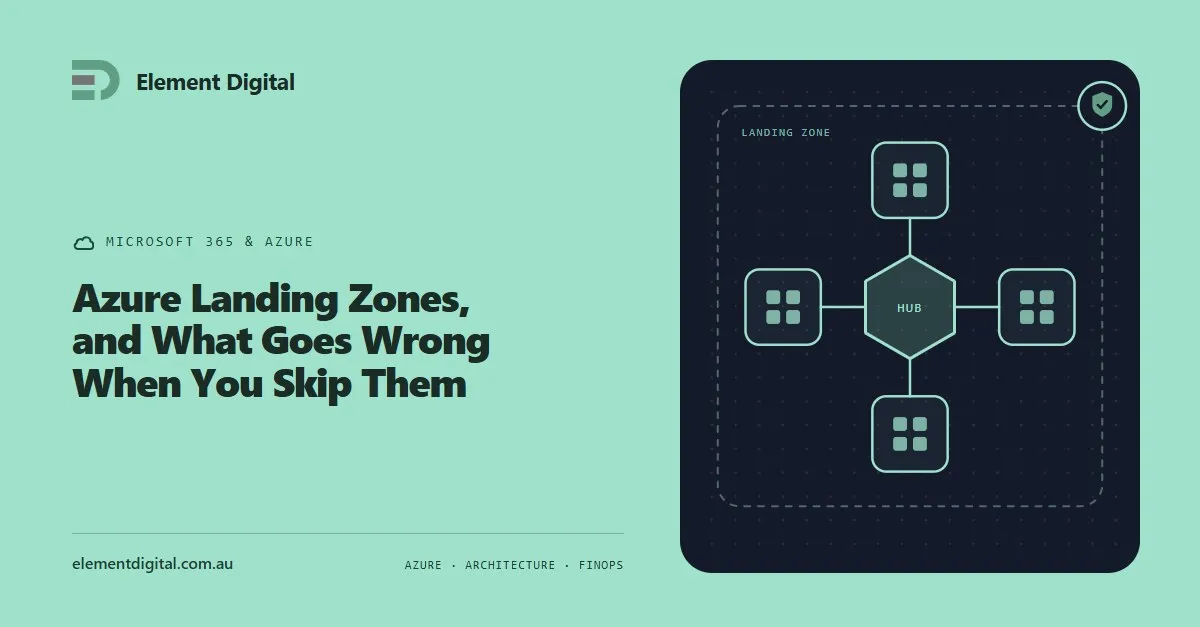
Most Azure estates were not designed, they accumulated. What a landing zone actually is, what an unplanned estate costs you, and how to fix one in place.
Microsoft’s answer to replacing the VPN, split across two products. What the client does, where it beats a VPN, and the licensing assumption that breaks business cases.
Let us talk about what you are trying to achieve, no obligation, just a conversation.