Nine Things a Microsoft 365 Security Review Finds Almost Every Time
The same findings come up in nearly every tenant we assess. Nine of them, what each one actually costs you, and how to check your own as you read.
Automation does one task without you. Orchestration joins those tasks into a process spanning several systems. The difference matters when you are buying a tool.
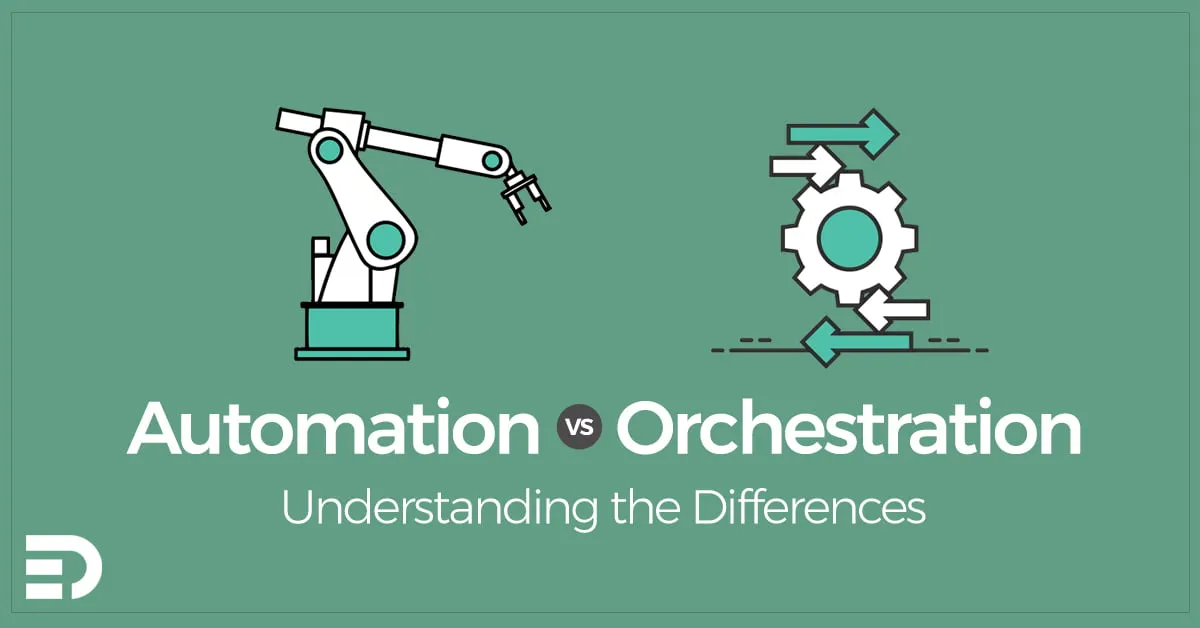
Automation does one task without you. Orchestration joins a lot of those tasks into a process that runs across several systems.
People use the words interchangeably, which is harmless right up until you are buying a tool. Then picking the wrong one costs real money.
Automation replaces a repetitive task. One trigger, one task, one result.
A script that creates a user account. A job that clears a log directory overnight. A rule that files an email. Each runs on its own and each does a single thing.
The value is easy to see. It is faster, it never gets bored, and it does the same thing every time. Most errors in IT operations come from a person doing something fiddly by hand at 4pm on a Friday.
Orchestration is what you need once those single tasks have to happen in the right order, across systems that know nothing about each other.
Onboarding a new staff member is the standard example. Create the account in Entra ID. Assign a licence. Add the right groups. Order a laptop. Enrol it in Intune. Create the payroll record. Tell the manager.
Every one of those steps could be automated by itself. Orchestration is the layer that runs them in sequence, waits where it has to, deals with the step that fails, and raises a hand when it cannot continue.
That last point is the real difference. Automation either succeeds or fails. Orchestration has to survive partial failure, which is a much harder problem to solve.
Tools sit on a spectrum, and vendors are reliably vague about where theirs sits.
Buy an automation tool and then try to run a cross-system process on it, and you will end up writing your own error handling, your own state tracking and your own retry logic. That is a project in its own right, and rarely the project you meant to start.
Buy an orchestration platform to run six nightly scripts and you have bought complexity you will never use, plus a licence you keep paying for.
Two questions place a tool on the spectrum quickly. Does it hold state between steps? And what happens when step four fails?
PowerShell is still the workhorse for automation in Microsoft environments. PowerShell Universal is worth a look if you want a web front end or a schedule on scripts you already have, and Azure Automation covers the cloud side.
For orchestration, Azure Logic Apps and Power Automate handle most business process work. Ansible is the better answer for configuration across servers. System Center Orchestrator is still around and still earns its place in environments staying on-premises.
There is a fourth group worth knowing about. CI/CD tools such as GitHub Actions and Azure DevOps Pipelines are orchestration engines that happen to have been built for software delivery. Plenty of teams run infrastructure work through them, and that is a sensible choice when your people already work there every day.
Buying the tool first is the mistake we see most.
Write the process down as it actually runs today, including the parts people do by hand and the parts that go wrong. Automate the individual steps next. Only then work out whether you need anything to join them up.
Often enough you find that you do not. Three automated scripts and a scheduled trigger solve more problems than they get credit for.
Element Digital offers IT consulting services in Hobart. If you want a hand working out which of these you actually need, get in touch.
The same findings come up in nearly every tenant we assess. Nine of them, what each one actually costs you, and how to check your own as you read.
Most modernisation strategies fail at the funding stage because they read as a technology wish list. What to put in one so it reads as a business case.
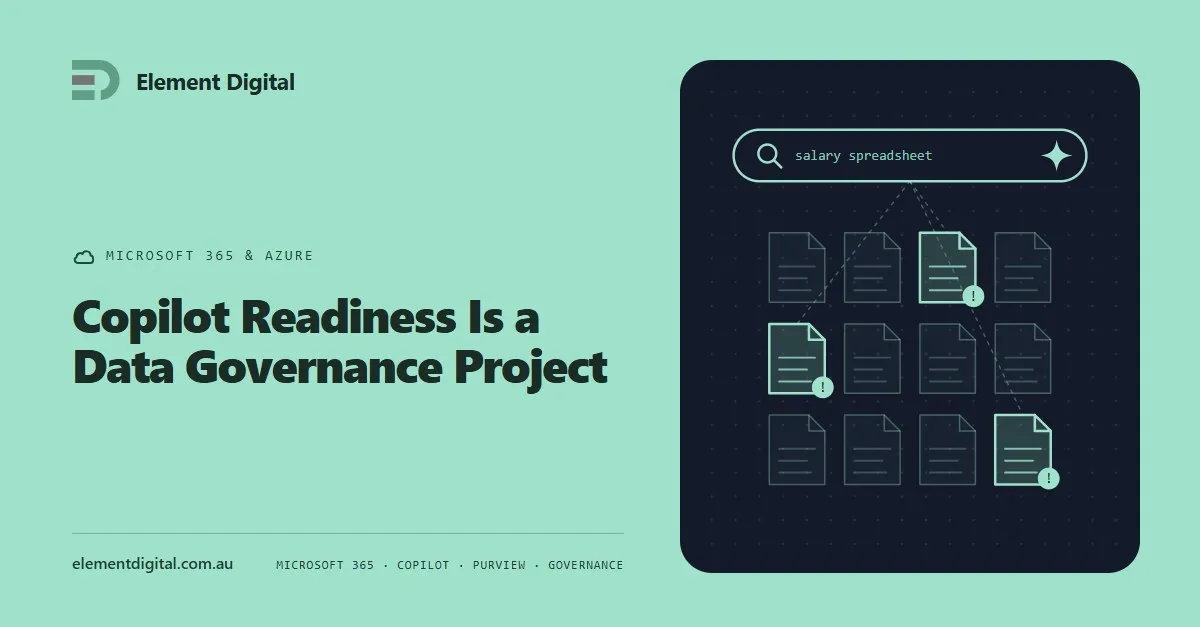
Copilot does not create an oversharing problem. It makes the one you already have searchable. What to fix before you buy the licences.
Let us talk about what you are trying to achieve, no obligation, just a conversation.