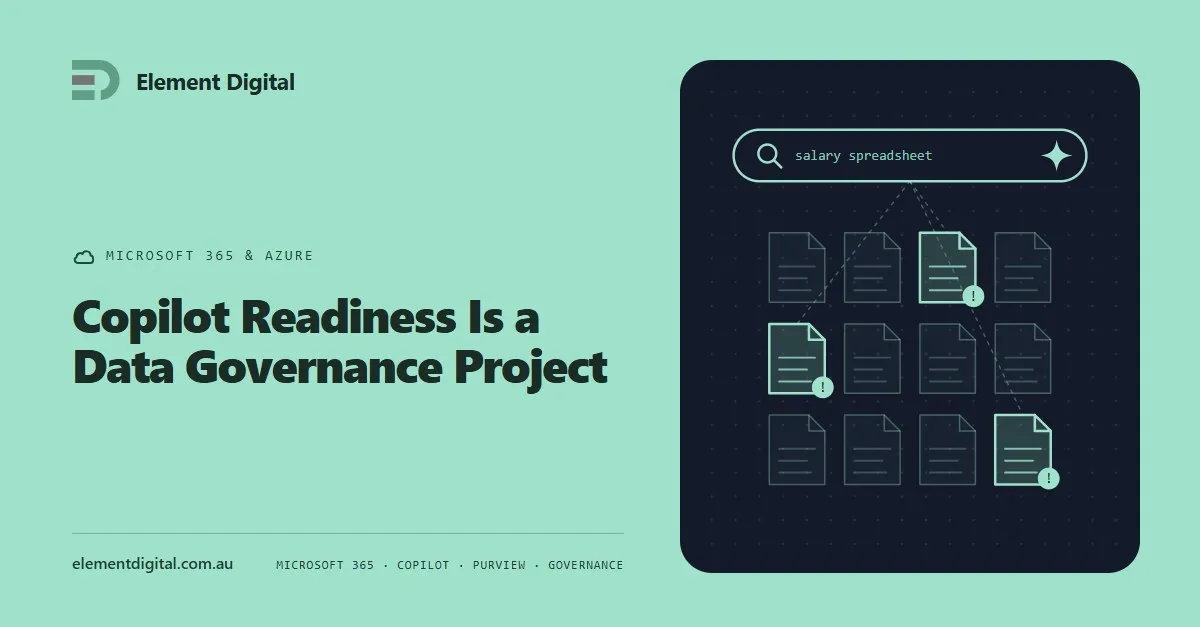
Copilot Readiness Is a Data Governance Project
Copilot does not create an oversharing problem. It makes the one you already have searchable. What to fix before you buy the licences.
Azure quotas cap capacity, not spending. Used properly they stop the runaway deployments that cause the genuinely shocking bills. Here is how to set them.

Azure quotas do not stop you spending money. That is worth saying first, because the name suggests otherwise and the misunderstanding gets expensive.
What a quota does is cap how much of a resource you can deploy. How many vCPUs in a region, how many public IP addresses, how many storage accounts. It is a ceiling on capacity, not on cost.
They do help with bill shock, just not in the way most people assume.
Every Azure subscription carries limits on each resource type, region by region. A few are hard platform limits. Most are soft limits you can raise by asking.
The defaults sit in an unhelpful middle ground. They are low enough to get in your way during a legitimate project, and high enough that a mistake can still cost you thousands.
A quota stops a runaway deployment. A script stuck in a loop, a misconfigured scale set, or a well-meaning engineer building a test environment at production size all hit a quota long before anyone reads a budget alert.
That is the real value here. Quotas are a guard rail against mistakes, and mistakes are what produce the bills that make people angry.
They also make an environment easier to reason about. If a production subscription is capped near what production actually needs, anything requiring an increase becomes a conversation rather than a surprise.
Quotas sit under usage and quotas within each subscription in the Azure portal. Microsoft moves things around regularly, so if it is not where you expect, search for quotas in the portal search bar rather than hunting through menus.
Changes go through a support request. Most increases are approved automatically within minutes, and you can ask for decreases too, which fewer people realise.
Do the exercise properly once:
Point three is the one everybody skips and the one that pays best. Closing off unused regions blocks a great deal of accidental and malicious deployment in a single step.
Quotas cap capacity. To watch money you need budgets and alerts, which we covered in Cost Management: Billing Alerts and Budgets in Azure.
Be clear about what that combination gives you. Budgets tell you that you are spending. Quotas stop you deploying. Neither of them turns anything off.
If you want spend to actually stop, you have to build it. A budget alert can trigger an action group, which can call a runbook that deallocates resources or strips a subscription’s ability to deploy. That works, and it needs designing carefully, because an automated shutdown in production is just a different sort of incident.
For most small and mid-sized environments the right answer is quotas, plus budget alerts, plus somebody whose job it is to read them.
Policy covers what quotas cannot express.
You can block expensive virtual machine sizes, require tags so costs can be attributed to a team, restrict deployment to approved regions, and prevent resource types nobody should be creating at all.
Policy takes more work to set up and it is far more precise. If several teams share a tenant, it is worth the effort.
Set quotas to the shape of your environment, close the regions you do not use, and treat them as protection against mistakes rather than against spending.
Then set budgets so someone finds out early, and decide in advance who acts when the alert fires. That last part is what actually prevents bill shock.
Element Digital offers IT consulting services in Hobart. If your Azure bill is behaving unpredictably, get in touch.
Copilot does not create an oversharing problem. It makes the one you already have searchable. What to fix before you buy the licences.
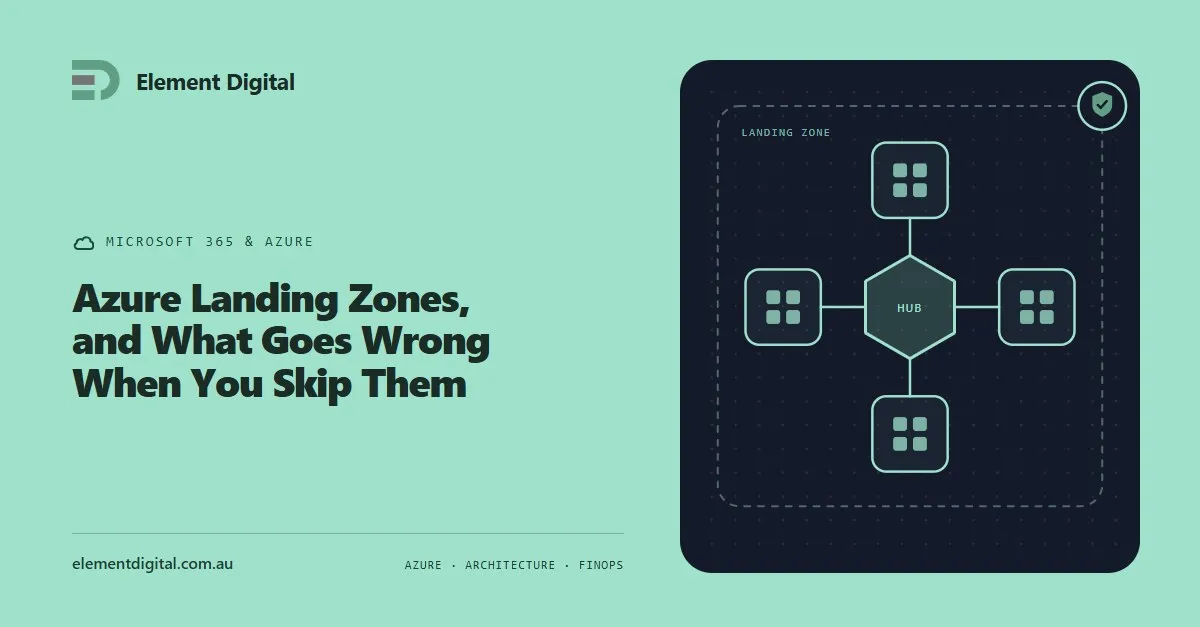
Most Azure estates were not designed, they accumulated. What a landing zone actually is, what an unplanned estate costs you, and how to fix one in place.
Microsoft keeps your service running. It does not keep a copy of your data for you. Where the retention ends, and how people find out the hard way.
Let us talk about what you are trying to achieve, no obligation, just a conversation.