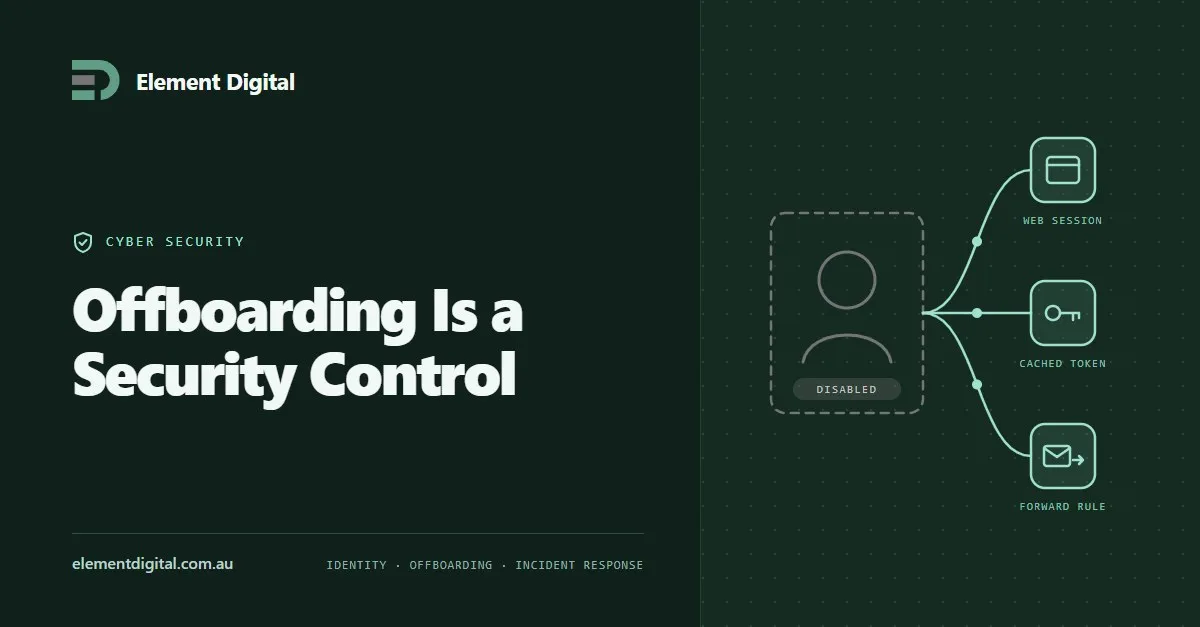
Offboarding Is a Security Control
Removing someone’s account is not the same as removing their access. Where access survives, why it is hard to investigate later, and the sequence that works.
Three controls stop most attacks on a small business: multi-factor authentication, patching the right things first, and staff who know what to report.
Small businesses in Australia get attacked because they are easy, not because they are interesting. Almost everything that gets through is opportunistic.
That is good news. Opportunistic attacks are stopped by ordinary measures, and three of them do most of the work.
Start with MFA. It is the highest value control you can switch on, and on its own it defeats most stolen password attacks. There is more detail in The Power of Multifactor Authentication.
Then fix how passwords get made and stored.
The old advice was to enforce complexity rules and change every password every 90 days. Both have since been dropped by the ACSC and by NIST, for the same reason. They pushed people towards predictable patterns, and “Spring2026!” is what that looks like in practice.
What works instead:
One thing that gets missed. Remove accounts on the day someone leaves. An old account nobody watches is a favourite way in.
Outdated software is how most opportunistic attacks land. The attacker has not found a new flaw. They are scanning for an old one you never fixed.
Not every patch is equally urgent, so sort them:
Turn on automatic updates wherever you can. For a business with 20 or 30 devices, Microsoft Intune or a managed service will handle this properly and tell you when a machine falls behind. A spreadsheet will not.
Do not forget the things that are not computers. The firewall, the wifi access points, the NAS in the cupboard and the printer all run software, and they rarely get looked at.
Your staff are the target, not the weak link. Phishing is a well funded industry now and the emails are good.
Run short sessions regularly rather than one long one a year that nobody remembers. Cover three things:
Then make reporting easy. If someone clicks a bad link you want to know within five minutes, not next week. That only happens if the answer to the first report is thanks rather than blame.
The ACSC publishes free, practical guidance for small business at cyber.gov.au. It is genuinely good, and it is written for people who do not work in IT.
If you want the next level up, the Essential Eight is the framework most Australian organisations get measured against. We wrote about what implementing it actually feels like in Essential 8 Lessons.
Element Digital offers IT consulting services in Hobart. If you would like a hand working out where you stand, get in touch.
Removing someone’s account is not the same as removing their access. Where access survives, why it is hard to investigate later, and the sequence that works.
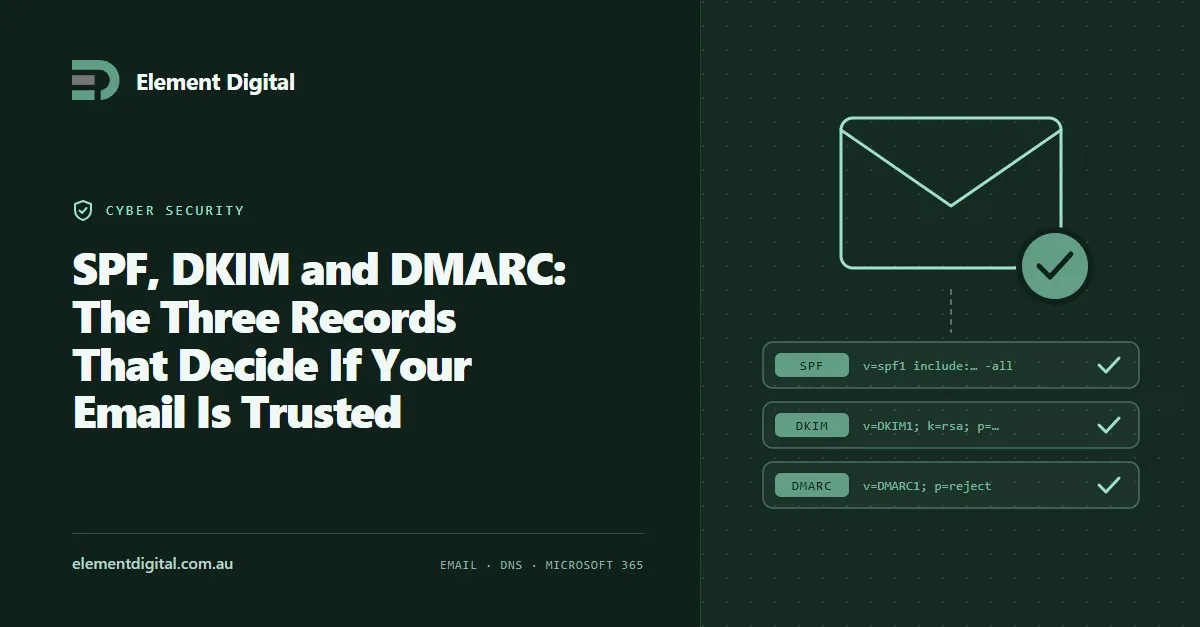
Three DNS records decide whether the world trusts mail from your domain. Most businesses have one of them and have never looked at the other two.
A password safe is the cheapest security fix most small businesses can make. What one does, which to pick, and how to roll it out.
Let us talk about what you are trying to achieve, no obligation, just a conversation.