Passwordless sign-in used to be a promise. It is now something you can turn on this quarter, and the reason is passkeys.
We wrote this before passkeys were widely supported. They are now, so this is the version that matters.
What passwordless actually means
You sign in with something on your device. A fingerprint, a face scan, a PIN, or a hardware key you plug in.
There is no password anywhere in that flow. Not a hidden one, not a fallback one. The credential lives on your device and never leaves it.
That is the part people miss. Passwordless is not a password you do not have to type. It is a password that does not exist for anyone to steal.
Why it beats MFA on a password
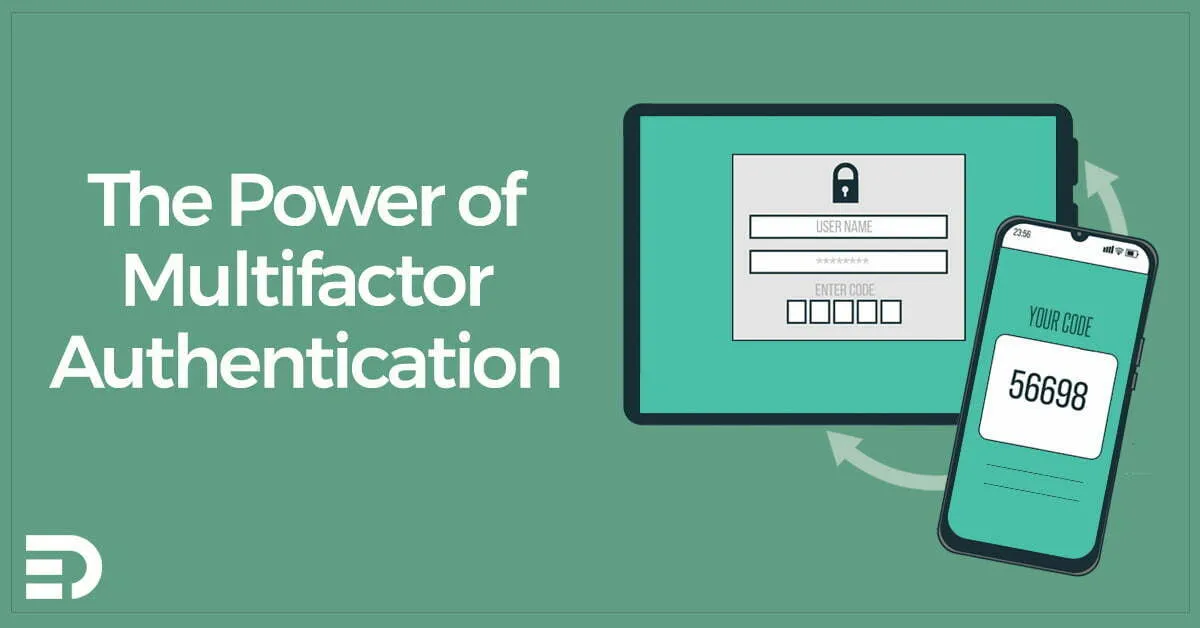
MFA is a big improvement on a password alone, and we still recommend it everywhere. See The Power of Multifactor Authentication for where to start.
But MFA leaves the password in place, and the password remains the weakest link. It can be phished, reused, guessed or found in a breach dump. All MFA does is add a second hurdle behind it.
Passkeys remove the hurdle by removing the thing it was protecting.
They are also phishing resistant, which is the property that matters most. A passkey is bound to the real web address. Show it a convincing fake login page and nothing happens, because the address does not match. No amount of user training achieves that.
What it is like for staff
Better, which is unusual for a security control.
Sign-in becomes a fingerprint or a glance. No typing, no code from an app, no waiting for a text message. People stop calling about forgotten passwords, and the helpdesk gets a quiet week back.
That matters more than it sounds. Security controls that annoy people get worked around. This is the rare one people ask for.
What it takes to get there
Three things, roughly in this order.
Get your identity platform in order first. In a Microsoft environment that means Entra ID, with Conditional Access policies somebody understands. Passwordless amplifies whatever identity posture you already have.
Then sort out enrolment. Every user needs to register a passkey, and they need a second one, because a single credential on a single device is a lockout waiting to happen. Hardware keys are worth buying for administrators.
Then deal with what cannot do passkeys yet. Older line of business applications, some vendor portals, the occasional bit of hardware. These will keep passwords alive in the corners for a while, so plan for a mixed environment rather than a clean switch.
Start with administrators
If you do nothing else, put your admin accounts on hardware security keys.
Those are the accounts an attacker wants, they are few enough to manage by hand, and the people holding them can cope with a slightly fussier sign-in. It is a small project with a large payoff.
Then roll passkeys out to everyone else once the process is smooth.
Where it fits with the Essential Eight
The ACSC’s Essential Eight pushes towards phishing-resistant MFA at the higher maturity levels. Passkeys and hardware keys are how you meet that.
So if you are working towards Maturity Level 2 or 3, this is not an optional modernisation. It is on the list.
Element Digital does cyber security work in Hobart and across Tasmania. If you are planning a move to passkeys, get in touch.