Keeping Up with Security: The Importance of Updating Your Devices in Small Business
In today’s digital age, technology has become an integral part of our lives.
MFA stops most account takeovers, but not all MFA is equal. Why SMS codes are the weak option, and why passkeys are now the one to aim for.
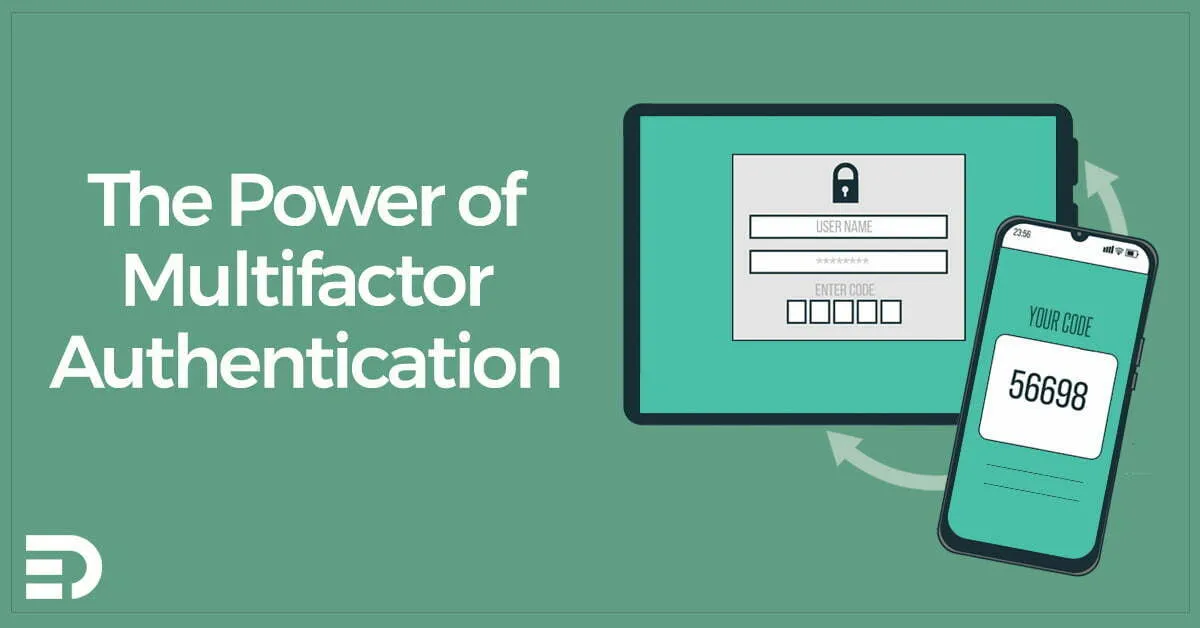
Multi-factor authentication stops most account takeovers. If you only do one security thing this month, do this one.
Not all MFA is equal, though, and the gap between the weakest and the strongest option has widened a lot in the last few years.
MFA asks for more than a password. You prove who you are with something you know, something you have, or something you are.
A password is something you know. A phone or a hardware key is something you have. A fingerprint is something you are. MFA combines at least two of the three.
The result is simple enough. A stolen password on its own stops being enough to get in.
A code arrives by text message. This is the weakest option still in common use.
Attackers get around it by talking a mobile carrier into moving your number onto their SIM. It is called SIM swapping and it is not rare.
Use SMS if the only alternative is nothing at all. Do not rely on it for email, banking or your domain registrar.
An app on your phone generates a code, or sends you a prompt to approve. Microsoft Authenticator and Google Authenticator both do the job, and password safes such as Bitwarden have it built in.
This is a real step up from SMS, and it is where most small businesses should sit today.
Turn on number matching if your platform offers it. The sign-in screen shows a number and you type it into the app. Without that, an attacker can fire approval prompts at you until you tap the wrong one out of habit, an attack known as MFA fatigue that has worked on some very large organisations.
This is the strongest option, and it has quietly become the easiest one.
A passkey lives on your phone, your laptop, or a hardware key such as a YubiKey. It is bound to the real web address. Hand it to a convincing fake login page and nothing happens, because the address does not match.
That property is called phishing resistance. It is why the ACSC’s Essential Eight pushes organisations towards passkeys and security keys at the higher maturity levels, and why we recommend them for admin accounts regardless of what maturity level you are chasing.
Passkeys have also stopped being awkward. Microsoft, Google and Apple all support them. For most staff, signing in now means a fingerprint or a face scan and nothing else.
Work down this list in order:
A password safe makes this easier. Bitwarden and 1Password will both show you which of your saved sites support MFA but do not have it switched on.
Save your recovery codes somewhere you can reach without the account. The password safe is the right home for them.
Set up a second factor on admin accounts before you need it. Getting locked out of your own tenant on a Friday afternoon is an expensive way to learn that lesson.
Turn MFA on everywhere you can. Use an authenticator app instead of SMS. Move your important accounts to passkeys as the option appears, because that is the only method that survives a good phishing page.
Element Digital offers IT consulting services in Hobart. If you want help rolling MFA out properly, get in touch.
In today’s digital age, technology has become an integral part of our lives.
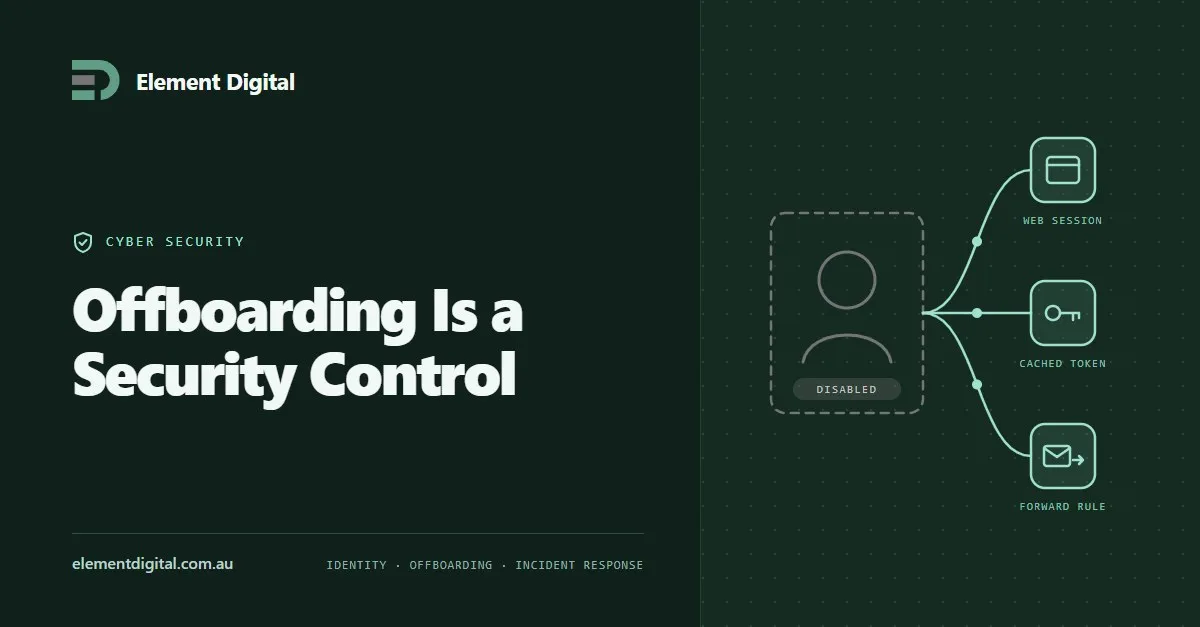
Removing someone’s account is not the same as removing their access. Where access survives, why it is hard to investigate later, and the sequence that works.
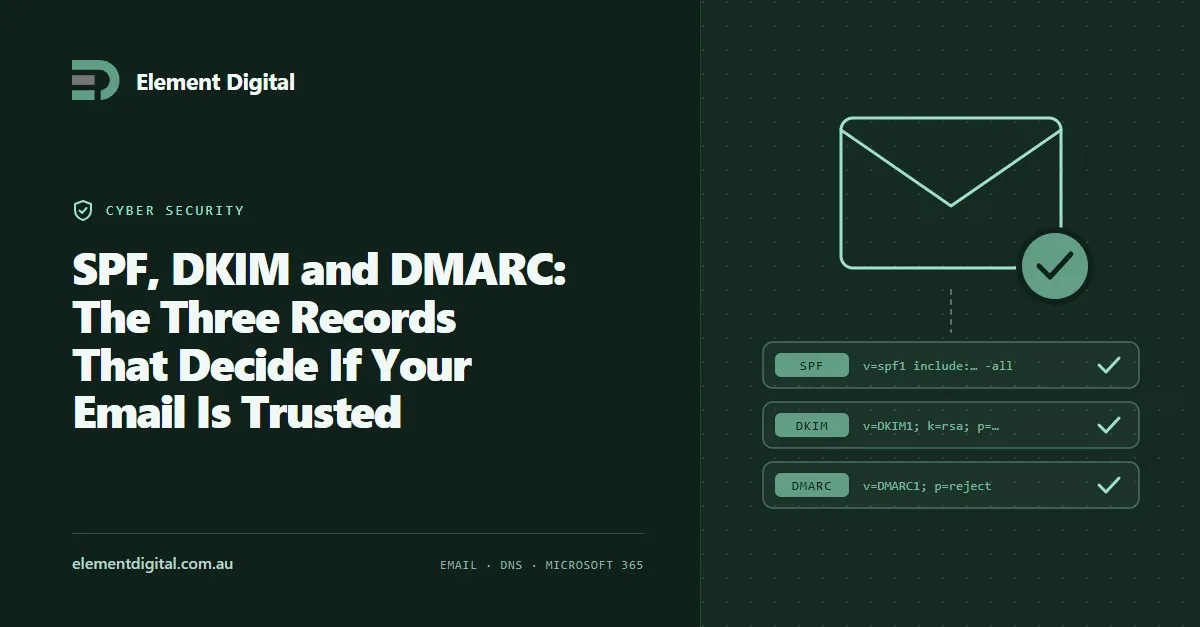
Three DNS records decide whether the world trusts mail from your domain. Most businesses have one of them and have never looked at the other two.
Let us talk about what you are trying to achieve, no obligation, just a conversation.