Nine Things a Microsoft 365 Security Review Finds Almost Every Time
The same findings come up in nearly every tenant we assess. Nine of them, what each one actually costs you, and how to check your own as you read.
A password safe is the cheapest security fix most small businesses can make. What one does, which to pick, and how to roll it out.
A password safe is the cheapest security fix most small businesses can make. It costs a few dollars per person each month. It also solves the problem sitting behind most account takeovers, which is staff reusing one password across a dozen different sites.
It keeps every password in an encrypted vault. Your staff remember one long passphrase. The safe remembers everything else.
That change matters more than it sounds. Once people no longer have to memorise passwords, they stop recycling them, and every account ends up with its own long random string. A breach at some website you signed up to years ago then stays that website’s problem, instead of putting your email, your bank and your accounting system at risk.
Every small business has passwords that several people need. The wifi. The social accounts. The shared mailbox.
These almost always end up in an email thread or a chat message. That is searchable, it gets forwarded, and you cannot take it back.
A password safe shares them properly. You grant access to a person rather than to a message. When someone leaves, you remove their access and rotate the password, and the whole job takes about a minute.
Password resets are a quiet tax on a small business. Each one costs a few minutes for the person locked out, plus a few more for whoever helps them. A safe removes most of them.
Staff also stop keeping their own workarounds. The spreadsheet of logins and the notebook in the top drawer both turn up more often than you would expect.
We recommend Bitwarden or 1Password. Bitwarden is cheaper and open source. 1Password is easier for staff who are not technical.
Whichever you choose, check four things:
A word on LastPass. We used to recommend it and we no longer do. Attackers copied customer vault data during its 2022 breach, which left anyone with a weak master password exposed. If you are still on LastPass, move to something else, then change every password you were storing in it.
Start with the accounts that would hurt most if you lost them. Email, banking, accounting, the domain registrar, and anything holding customer records.
Move those first, set new passwords as you go, and turn on MFA while you are in there. Then work outwards. Trying to shift 200 logins in a single sitting is how these projects stall.
Set aside 20 minutes to help people on day one. Most of the resistance to password safes comes from the browser extension rather than the idea.
Buy one. Put the important accounts in first. Turn on MFA while you are there.
It is a small spend that removes a large and very common risk.
Element Digital offers IT consulting services in Hobart. If you want a hand choosing or rolling out a password safe, get in touch.
The same findings come up in nearly every tenant we assess. Nine of them, what each one actually costs you, and how to check your own as you read.
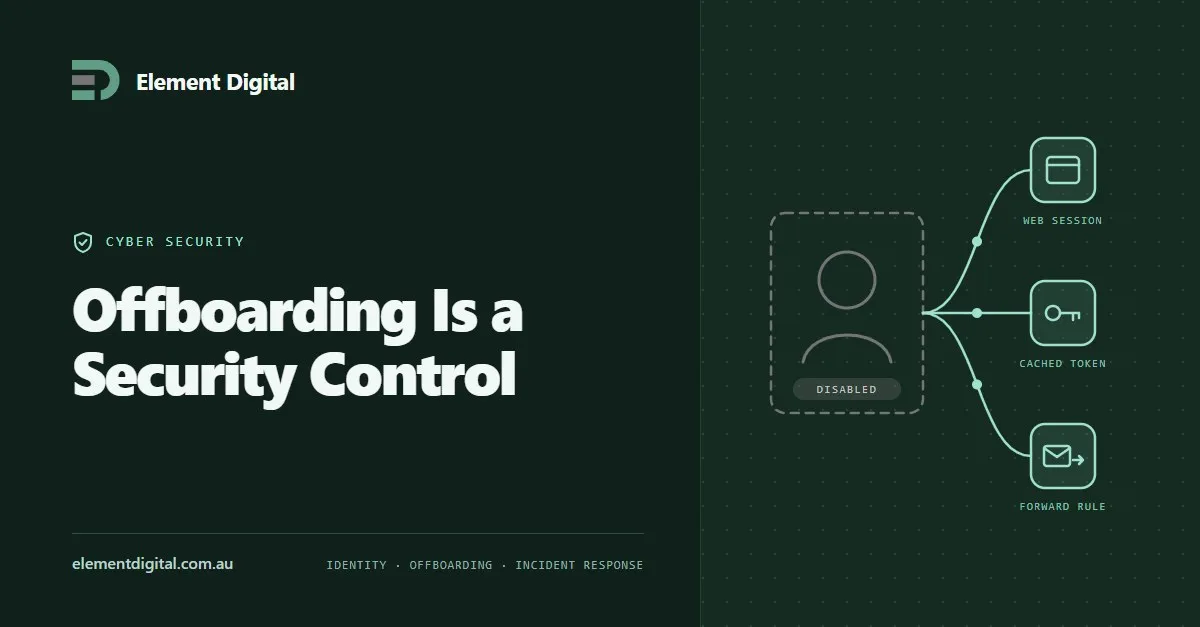
Removing someone’s account is not the same as removing their access. Where access survives, why it is hard to investigate later, and the sequence that works.
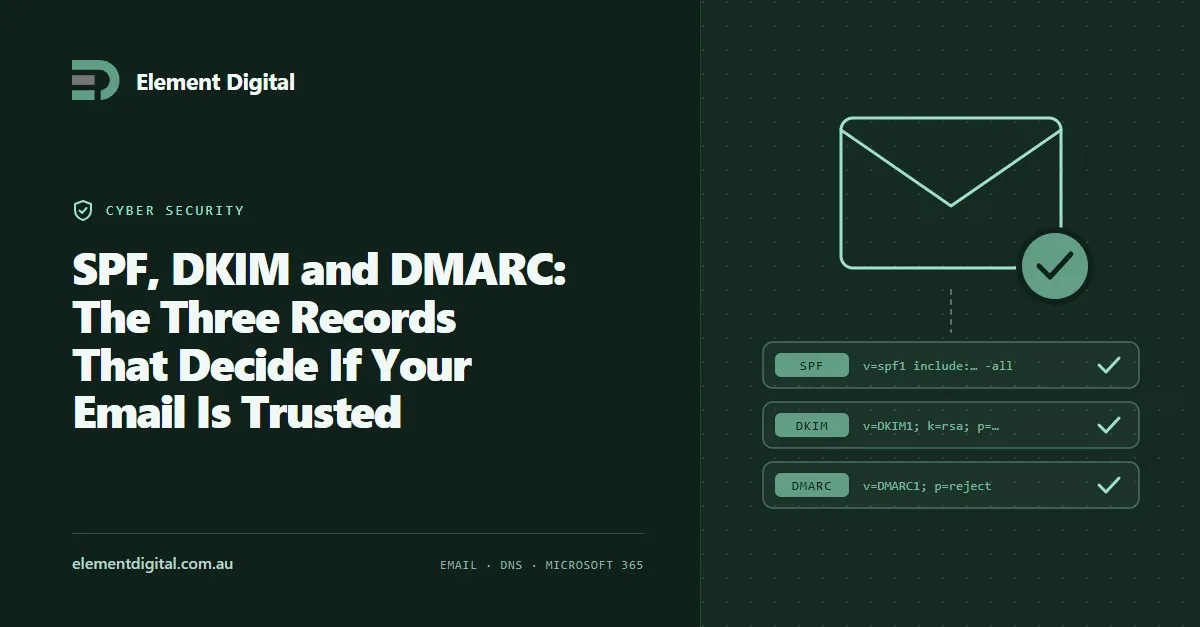
Three DNS records decide whether the world trusts mail from your domain. Most businesses have one of them and have never looked at the other two.
Let us talk about what you are trying to achieve, no obligation, just a conversation.