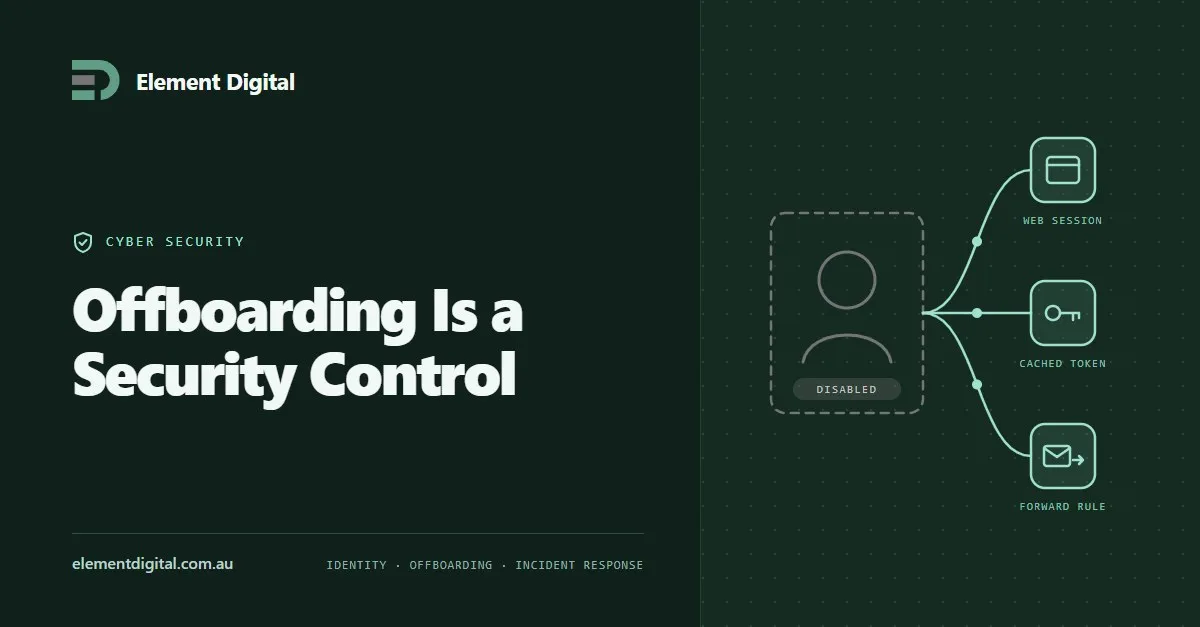
Offboarding Is a Security Control
Removing someone’s account is not the same as removing their access. Where access survives, why it is hard to investigate later, and the sequence that works.
Three DNS records decide whether the world trusts mail from your domain. Most businesses have one of them and have never looked at the other two.
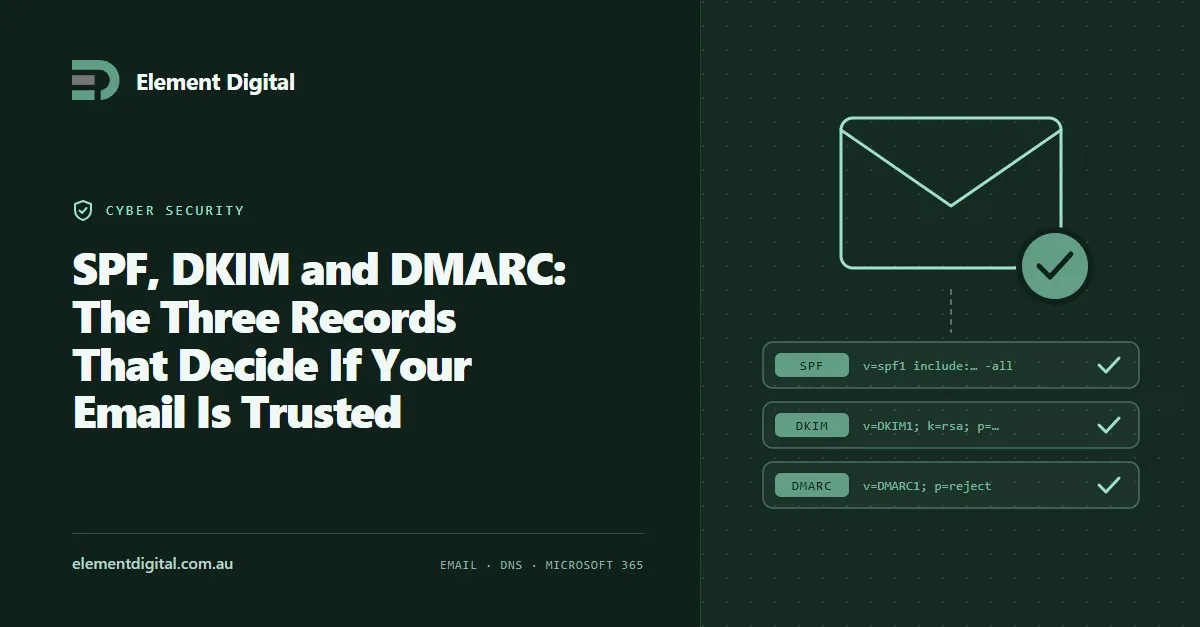
Three DNS records decide whether the rest of the world trusts email from your domain. Most small businesses have one of them, set up years ago by somebody who has since left, and have never looked at the other two.
That gap is the most common high priority finding in the security reviews we run.
SPF lists the servers allowed to send mail for your domain. A receiving server looks it up and checks whether your message came from one of them.
DKIM signs your mail on the way out. The receiver checks that signature against a key published in your DNS, which proves the message came from an authorised sender and that nobody altered it in transit.
DMARC ties the first two together and tells receivers what to do when mail fails. It also sends you reports. That reporting is the part almost nobody switches on, and it is the part that makes the whole thing work.
SPF checks the envelope sender. Your recipient never sees that address.
An attacker can pass SPF using a domain they own and still put your business name in the From field. SPF does not care. DMARC does, because DMARC checks that the visible From address lines up with whatever passed SPF or DKIM.
That alignment check is the entire point, and you only get it once all three records are in place.
Without it, anyone can send mail claiming to be from your domain, and receiving systems have no instruction about what to do.
Some will deliver it. Some will drop it in junk. Some will bin it silently. You get no visibility either way, so you find out when a client rings to ask about an invoice you never sent.
For any business that invoices people, this is the gap invoice fraud walks straight through.
The order matters, and rushing it is how people take their own email offline for a morning.
p=none with a reporting address. This changes nothing about delivery. It only starts the reports.p=quarantine, then to p=reject.Steps three to five are where the real work sits. Jumping straight to p=reject is how you discover that your accounting system has been sending statements from an address nobody remembered.
SPF allows 10 DNS lookups. Every include: counts towards it.
A business that has picked up a few SaaS tools over the years quietly goes past that limit, and when SPF breaks this way it fails silently rather than loudly. Nothing bounces. Your mail just starts landing in junk.
Check yours. If you are close, some providers offer flattening, and some senders can be moved onto a subdomain instead.
You do not need a tool for the first check. Look up your own records:
nslookup -type=txt yourdomain.com.au
nslookup -type=txt _dmarc.yourdomain.com.au
If the second one comes back empty, you have your answer.
Element Digital does cyber security work in Hobart and across Tasmania. If you want your mail domain checked properly, get in touch.
Removing someone’s account is not the same as removing their access. Where access survives, why it is hard to investigate later, and the sequence that works.
Three controls stop most attacks on a small business: multi-factor authentication, patching the right things first, and staff who know what to report.
A password safe is the cheapest security fix most small businesses can make. What one does, which to pick, and how to roll it out.
Let us talk about what you are trying to achieve, no obligation, just a conversation.